Manage and control funding efficiently
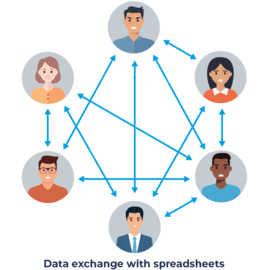
Subsidies are a key lever for driving public-sector and corporate projects. However, the sheer number of programs, requirements, and stakeholders makes the funding management process complex. Well-designed, cross-departmental data management is therefore essential for success.
With the PASS Grant Management System (PASS FMM), all relevant data is centrally collected and automatically evaluated according to grant guidelines. This enhances data quality and provides a reliable foundation for informed decision-making – the core building block for efficient administration and effective grant management.







Central data management
All grant projects and informations are consolidated in one place – without isolated solutions or media disruptions.
Transparency & legal compliance
All processes are transparently documented and audit-proof at all times.

Efficient processes
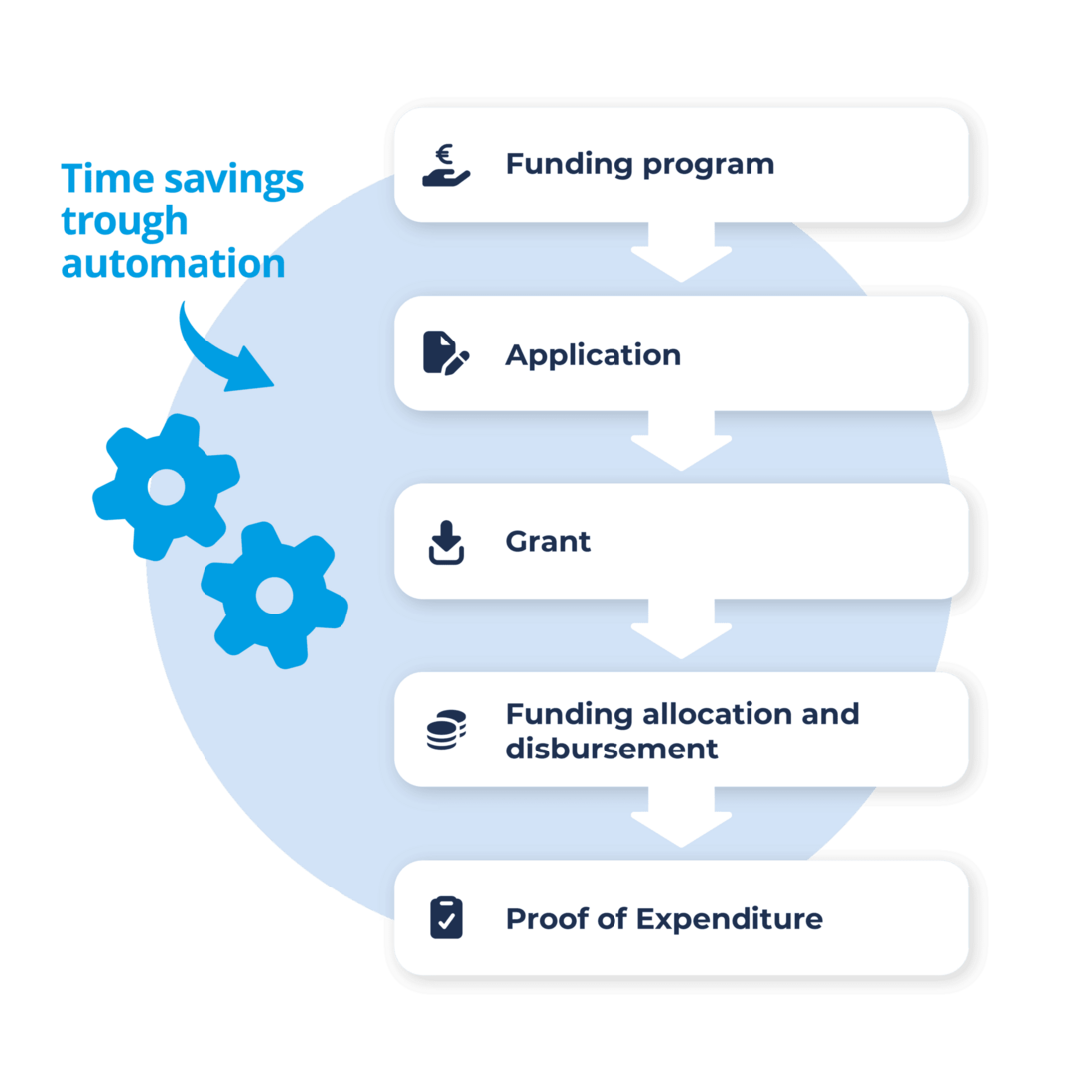
Automated procedures and centralized workflows save time and resources in grant management.
Starting from the standard modules, each customer can choose freely which additional modules to include. The standard package alone already covers a broad spectrum of professional requirements in grant management.
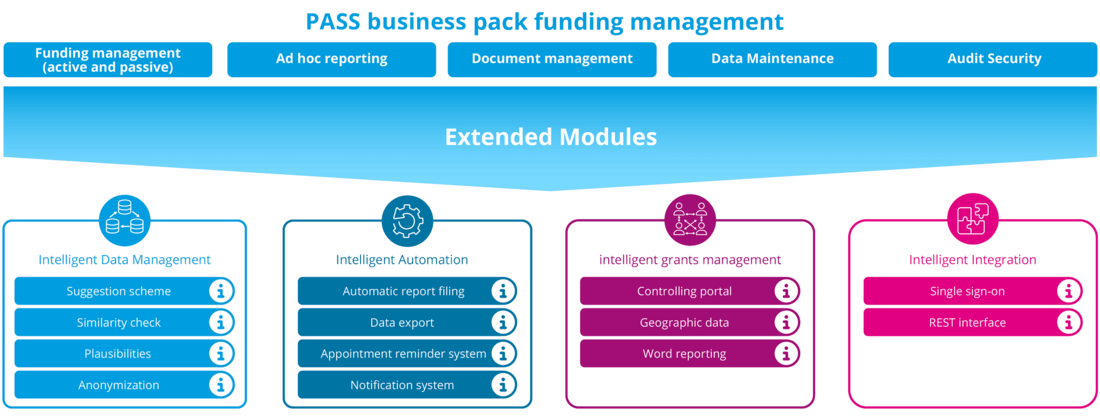
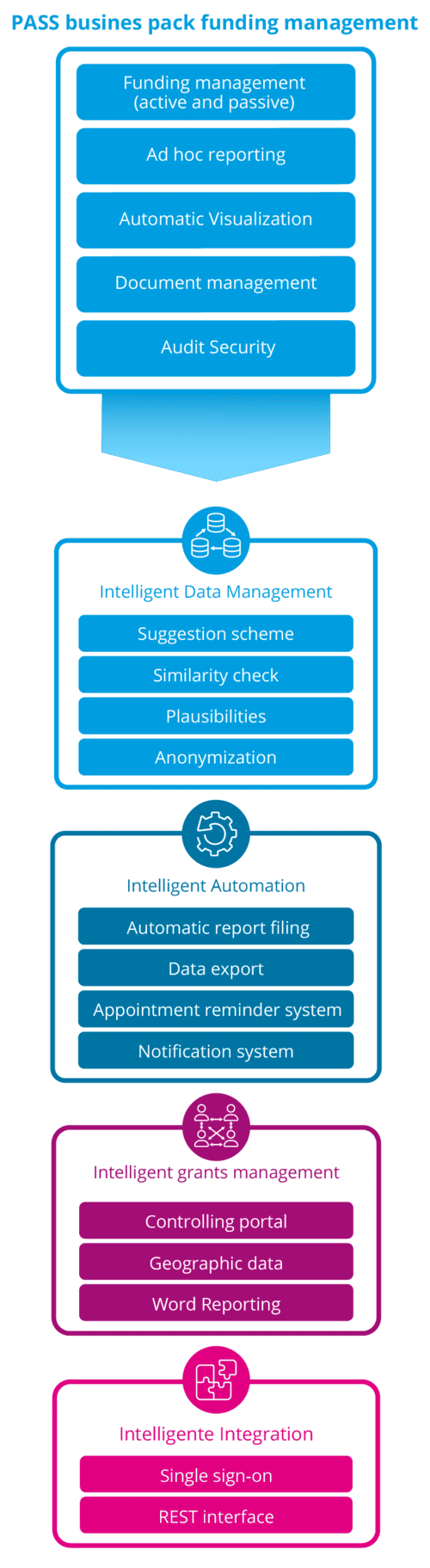
Keep track of all changes and developments in your grant programs – documented transparently, traceably, and in a legally compliant manner.
-
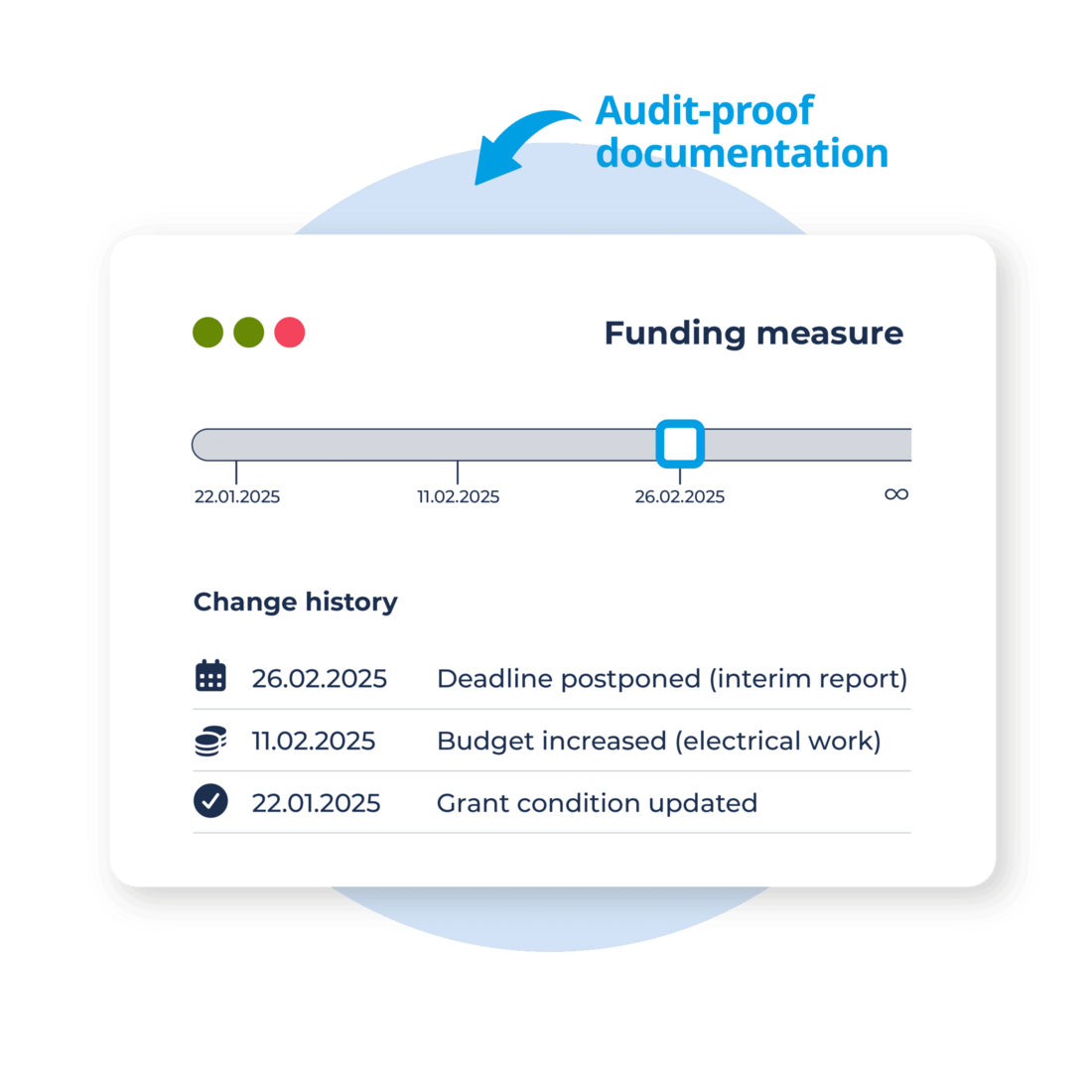
Seamless timeline: All adjustments to your grant projects (deadlines, conditions, finances) are automatically versioned and stored historically.
-
Audit-proof documentation: Historical data states can be viewed at any time and reliably verified during audits.
-
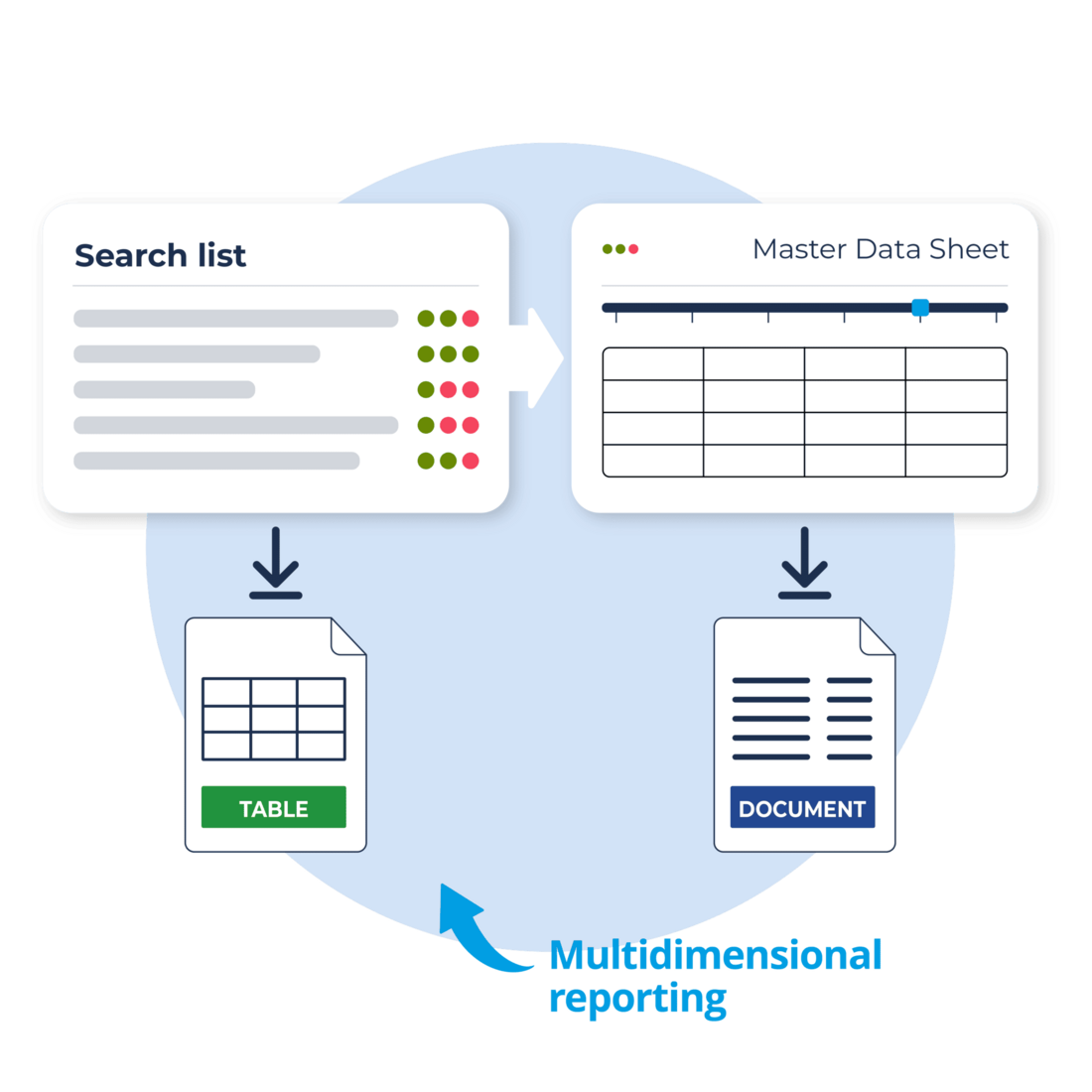
Flexible reports: Each search list can be exported to Excel with free definition of the relevant fields of the entire data model.
-
Master sheets & notices: Master sheets for grant projects or official notices can be easily created using MS Word as the template basis.
-
Plausibility checks: High data quality through automatic validation rules.
-
Deadline reminders: Due dates are displayed in time, responsible parties are notified, and timely processing is supported in a transparent manner.
PASS FMM Controlling Portal
The Controlling Portal extends the PASS Grant Management System with powerful reporting modules with nteractive analyses, clear dashboards, and customizable reports.

Individual reports
Standard reports with key dates & time periods as well as custom analyses based on object combinations (e.g., application, funding program).

Personal dashboard
Each user can customize their dashboard individually, freely arrange widgets, and export reports as PDF files.

Map view
Visualize location-based projects – analyze and manage approved initiatives geographically.

Create funding programs with AI
The AI service reads funding guidelines, identifies key data and automatically creates a funding program in PASS FMM.

AI assistant for user questions
The integrated AI assistant uses the PASS FMM online help and answers user questions directly within the system.

Integrated funding search
Through the connection to the German federal funding database, you can search for available funding programs directly in PASS FMM.

Grant recipient
From project outline to final report: our software guides you through every step, tracks guidelines and deadlines, and minimizes repayment risks with built-in checks.
- Set rules & deadlines
- Apply & manage approvals
- Plan budget & request funds
- Submit proofs & close out

Grant provider
With the PASS Grants management software, you can define your own funding programs and monitor them throughout the entire project lifecycle.
- Define programs & manage budgets
- Review applications & prepare decisions
- Plan annual funds & reconcile disbursements
- Review expenditure reports


Flexibility
Modular components and scalable deployment ensure processes that adapt to your needs.

Years of expertise
Industry expertise and best practices ensure fast and reliable implementations.

Easy integration
Standardized REST interfaces enable fast data exchange with your systems.

GDPR compliant
Field-level traceability and clearly defined retention and deletion rules – secure and fully GDPR compliant.

Automated workflows
Rule-based checks as well as deadline and task automation ensure consistent processes.

Cloud or On-Premises
Available as SaaS or within your infrastructure, in line with security and compliance requirements.
Maximum flexibility in the grant process
As the central funding management department of the Hamburger Bildungsbaugruppe, we are responsible for actively managing and organizing the funding of new construction and renovation measures for school construction, university construction, daycare facilities and sports facilities in Hamburg, Germany. We use PASS FMM as the central tool for the entire funding process. We also use the additional controlling portal to graphically evaluate the stored data for our reports. PASS FMM has convinced us as an application in particular with its great flexibility, as our specific needs could be fully taken into account during the implementation.

Pro
- Data import/ export to Excel
- Plausibility checks during data entry
- Mass data processing
- Document management
- Basic deadline reminders
- Word reporting (using standard reports)
Comfort
- Define global searches
- Edit selection lists
- Manage role & permissions
- Notifications
- Custom deadline reminders
- Word reporting (define your own reports)
- Data anonymization
- Full access to the tracking log
- Independent customization of the data model
Once the contract is signed, customers in the Pro model receive their access credentials and can start entering data immediately—or work with preloaded test data if preferred.
In the Comfort model, PASS FMM becomes available immediately after PASS has completed the system setup. Furthermore, an implementation project allows for tailored adjustments to the data model based on the customer’s requirements.